On this page
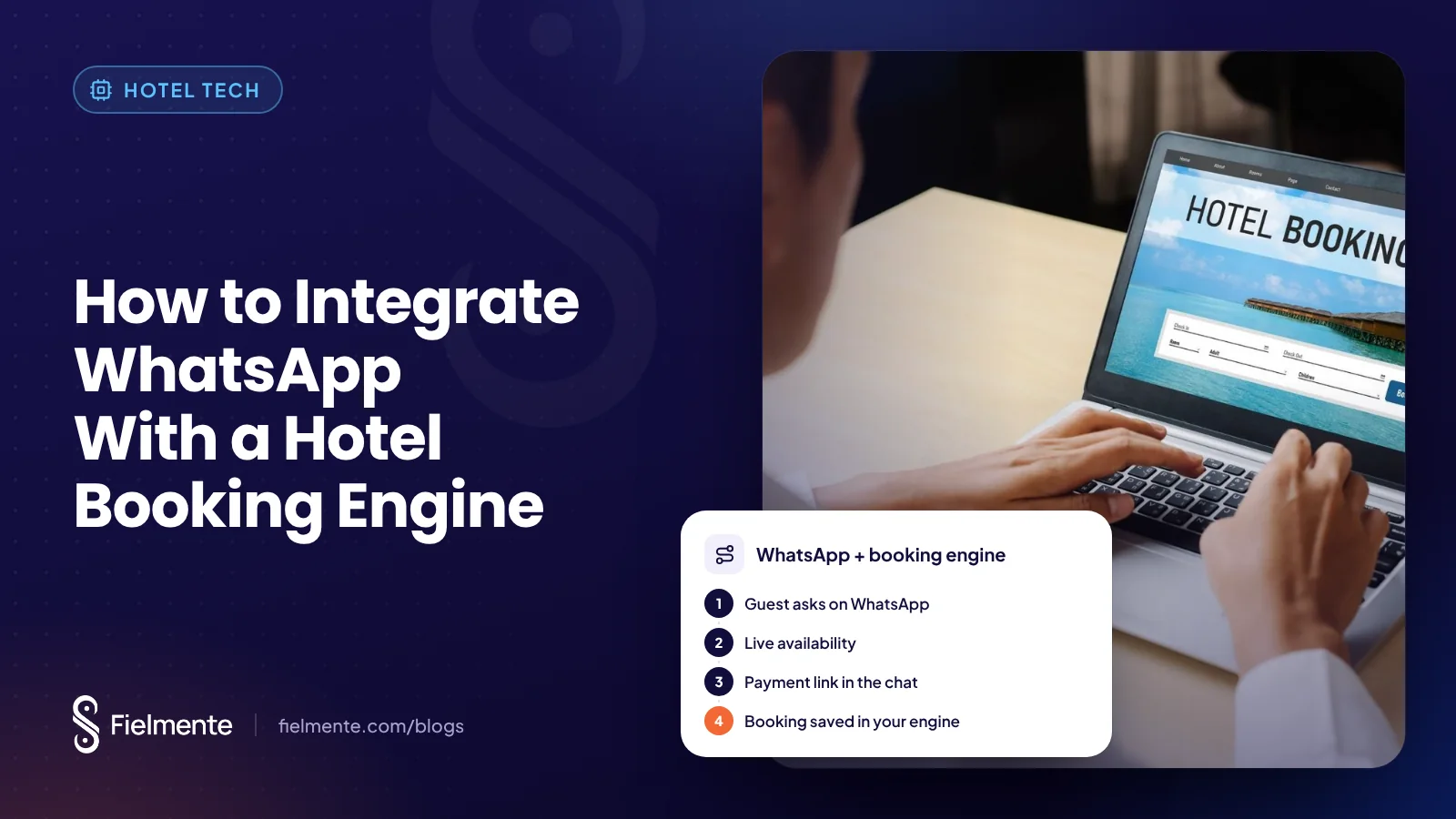
On its own, WhatsApp is a chat app. It becomes a booking channel when it can see your availability and rates, send a payment link, create a reservation and know who the guest is. Those things live in different systems: the booking engine, the channel manager, the property management system (PMS) and the CRM. This guide explains how they connect and what to ask before you buy anything.
What each system holds
| System | What it holds | What WhatsApp needs from it |
|---|---|---|
| Booking engine | Direct rates, availability, packages and online payments | Live prices for the guest's dates, and a way to book or pay |
| Channel manager | Room inventory kept in sync across the OTAs and your website | Accurate availability, so you never sell a room that is gone |
| PMS | Reservations, guest profiles, room allocation, check-in and bills | Arrival dates for pre-arrival messages, guest history, in-stay requests |
| CRM | Leads, enquiries, past guests, marketing consent and campaigns | Who the guest is, what they asked before, and whether they agreed to marketing |
| Payment gateway | Payment links, deposits and refunds | A secure link to send in the chat, and confirmation once paid |
Some hotels use one platform for several of these; many use different vendors for each. Either way, the connections matter more than the logos.
Four levels of integration
- Links with dates. The simplest: staff or automation send a booking-engine link with the dates and guests already filled in. No technical integration, and it works with almost any booking engine.
- Live availability lookup. The WhatsApp system asks the booking engine or channel manager for rates and availability through an API, so automated replies quote real prices.
- Event-triggered messages. The booking engine or PMS notifies the WhatsApp system when something happens (a booking made, a payment received, an arrival tomorrow) and the right template is sent automatically.
- Two-way sync. Bookings made in the chat appear in the PMS, guest replies update the CRM, and the reservations team sees the full history in one place.
Most hotels get the most value from levels 1 to 3. Two-way sync is worth it for groups and busy properties, but it is where projects run late, so agree exactly what syncs before starting.
The messages that integrations make possible
- Booking confirmed: confirmation with booking ID and payment receipt, triggered by the booking engine.
- Day before arrival: directions, check-in time and an offer of transfers, triggered by the PMS arrival date.
- In stay: requests routed to housekeeping or the restaurant, if the PMS or a guest-request tool is connected.
- After checkout: thank-you and a review link, triggered by checkout in the PMS.
- Unfinished booking: a follow-up for guests who opened the booking engine and left, if they agreed to be contacted.
WhatsApp software or a CRM?
WhatsApp tools are built around conversations: an inbox, automation and templates. CRMs are built around guests and leads: history, segments, campaigns and reports across channels. A hotel needs both functions. If they come from different vendors, make sure conversations and consent flow into the CRM, so a guest who asked about weddings on WhatsApp is not treated as a stranger by email or phone.
Questions to ask vendors
- Which booking engines, channel managers and PMSs do you integrate with today, at which of the four levels? Ask for a hotel already using that combination.
- Are rates and availability read live, or copied on a schedule?
- Can a guest pay in the chat, and how is the booking confirmed afterwards?
- What happens when the integration fails: does automation stop quoting prices, or keep using old ones?
- Does it use the official WhatsApp Business Platform?
- How are Meta's message charges billed, and is usage shown per number?
- Who owns the conversation and guest data, and can we export it?
- How long does setup take, and who does it?
An order that works
- Move to the WhatsApp Business Platform with a shared inbox.
- Use booking links with dates for every quote.
- Connect the booking engine for confirmations and payment links.
- Add pre-arrival and post-stay messages from the PMS.
- Add live availability for automated replies and an AI agent.
- Bring conversations and consent into the CRM for marketing.
Our own Eazotel platform combines a booking engine, channel manager, CRM and WhatsApp tools, which removes some of these integrations; the questions above still apply. For the messaging side, see our guides to WhatsApp automation and the WhatsApp Business API.
Want this working for your property?
Get a free 15-minute marketing audit from the Fielmente team.